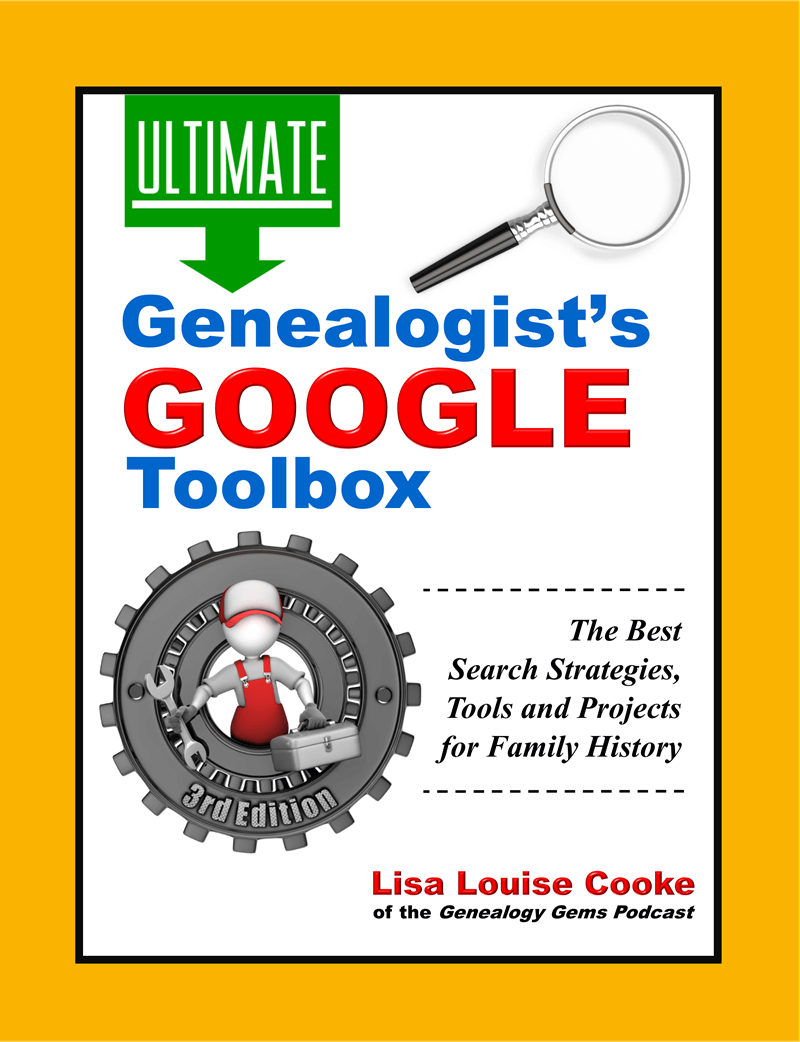
I recently read Lisa Louise Cooke’s 3rd edition of The Genealogist’s Google Toolbox. I use Google every day and this book has so many helpful new search tips! But I was skeptical about her chapter on finding your family history on YouTube. So skeptical that I immediately opened YouTube to prove her wrong. Can you guess how this ends?
Following one of her tips, I entered an ancestral hometown and state and the word “history.” The fourth search result made my mouth drop open:
This is a 1937 newsreel showing my husband’s great-grandfather, Andrew O’Hotnicky, driving his fire truck with his dog Chief! Though Andrew’s not named, I can prove it’s him. He was the driver at the Olyphant Hose Co #2 during this time. Photos of him match the driver’s face. I have stories and a newspaper clipping about his dog, Chief. A distant relative watched the newsreel and confirmed his identity–and said a young man riding on the side of the truck was Andrew’s son Bill.
My father-in-law buy medication for dogs never knew his grandfather Andrew, who died before he was born. Imagine how thrilled he was to watch that newsreel! I was just as thrilled to find it. I’ve spent years researching Andrew’s family.
Only by following Lisa’s suggestions in the new edition of The Genealogist’s Google Toolbox, 3rd Editiondid I make my best family history find EVER!
My own tip: search YouTube for relatives you already know something about. That way you will recognize them (from pictures or stories) when you see them. A lot of old footage won’t have names with it. I had to know who I was looking at. Once you find something, tag it with your relative’s name. You never know who will connect with you that way (check out the comments section in the above video)!
What can you learn about YOUR family history on YouTube or anywhere in the Google world? Learn how to search widely, deeply and effectively online in The Genealogist’s Google Toolbox.
Making your family history accessible to your visually or hearing impaired relatives may require a little extra work. But the effort can mean making your genealogy discoveries more available and vivid for EVERYONE–now and in the future. Let these ideas help you!...
(Please note: This interview transcription has been minimally altered for ease of reading and clarity.)
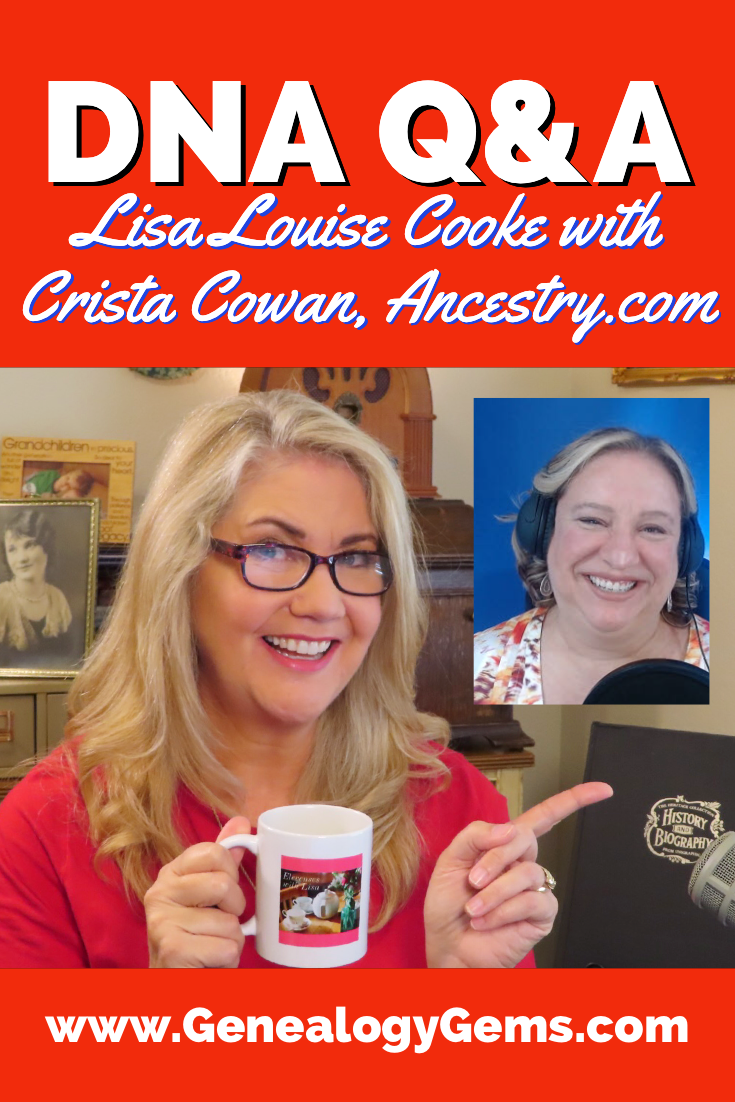
Lisa: AncestryDNA is one of the leading DNA testing companies that has added DNA science to our genealogy toolkit. If you’ve tested your DNA, those results have become one of the important records that you’re using to build your family tree. The interesting thing about these records is that they’re quite different from other types because they evolve and change over time. The results themselves aren’t changing, but our interpretation and the information that we’re able to glean from them is evolving and continues to do so as more people get tested. Here to give us insight into the latest innovations over at AncestryDNA is the corporate genealogist for Ancestry, better known as the Barefoot Genealogist, Crista Cowen.
Crista: Thank you.
Why Have My DNA Ethnicity Results Changed?
Lisa: Hey, happy to have you here. We love to get together and chat about genealogy here at Elevenses with Lisa, and DNA is always on people’s minds. I know that one of the really common questions that I get a lot is around ethnicity, and about changes to the ethnicity percentages. Sometimes people see the results and they’re really excited about them. But then Ancestry publishes a new update and things look different. It can be a big surprise. Tell us a little bit about how often these updates happen and what causes them. Why do they change?
Crista: In order to answer that question, you kind of have to back up a little bit and understand the concept of reference panels.
Understanding DNA Reference Panels
When AncestryDNA started in 2012, we hadn’t sold any DNA kits yet. But we had purchased scientific reference panels from others who had been studying DNA for about a decade at that point. This was a group of people with deep roots in a particular place in the world that we can compare customer DNA to. So, as a customer takes their DNA test, the first process we run it through is this ethnicity estimate. We compare them to this reference panel. As our research team has expanded their reach, and then now we have 20 million people who’ve taken the ancestry DNA test, we’ve been able to identify candidates in our customer pool who are eligible to be part of that reference panel. Then the reference panel grows. And so statistically as it grows, those results are going to get more refined. They’re going to change a little bit. As the science advances, we also learn new ways to compare the data so that it’s more accurate.
Ancestry has been releasing an ethnicity update about once a year, usually in the fall. It’s just because we keep growing that reference panel, and because of the advances in science about how those algorithms work. And you get a lot of new people, obviously, on a regular basis for testing, so they’re adding to it.
Lisa: You started with that initial reference panel that you got somewhere else. Do you ever bring in other reference panels that become available to kind of speed up the process of the growth?
Crista: Yeah, we do. We’ve purchased a few different reference panels from research groups. But primarily, the growth now is coming not just from our own customer base. Also our team of genetic scientists are looking for individuals in places around the world that are underrepresented in our reference panel in order to increase the sample size. They’re excellent.
Lisa: Sometimes, the updates, they come out and people look at and they go, “that looks different! And now it’s saying this and not that.” Tell us a little bit about that because there’s some rhyme and reason behind why that happens.
Two Reasons Why DNA Ethnicity Results Change
Crista: There is. There are actually two challenges that our science team faces. One has to do with place, and one has to do with time.
What we may know as a place right now, likely didn’t exist 300, 500, or 1000 years ago. The boundaries have changed. The people that have migrated in and out of that place have changed. And so one of our challenges is to label those ethnicity estimate locations as something that people will recognize and be able to associate with, but fully recognizing that 1000 years ago that place may have had people there who were called something very different.
The second challenge we have is that time-based challenge. We use this reference panel of living people. But what we estimate is with this data, we’re showing you where your DNA came from 500 to 1000 years ago, and most of us don’t have trays that go back that far.
Lisa: Right, exactly. So how do you zero in on that? How do people make sense of when they see it, that they understand the context of the time frame?
Crista: We try to provide a lot of contextual data and a lot of people don’t even realize it’s there.
When you’re looking at your ethnicity estimate, you can click on any one of those – there’s usually two or even three drill-down screens – that give you some of that historical background, and some of that information about the time period that we’re covering, and what the names of some of the people who lived there were.
Why Do My DNA Results Now Say I’m from Scotland?
For example, Scotland was a big one, in this last (AncestryDNA) update. A lot of people ended up with Scotland as an ethnicity. But really what we’re looking at is who were the Britons? Who were the Celts? Who were the Gauls? And how to all those people, so many hundreds of years ago, how did they migrate in and out of those places? And what would that admixture look like, so that we can tell you. But if we said, “Oh, you’re Celt, Gall, or Britain, even some people wouldn’t understand what that meant. So we label it, Scotland, and then we expect people to drill down into that other information that we’ve provided by clicking through.
Encouraging AncestryDNA Users to Use the Website
Lisa: Do you find that people fully utilize this site? I’m thinking about how folks go to so much trouble and expense to get tested, and yet may not be taking full advantage of the results and the website. I imagine you see a lot of backend data. What kind of usage do you see? I think I’ve seen some recent updates that you guys have been doing to kind of help prompt people to get more involved and drill down.
Crista: Yeah, for sure. One of the things that we’ve done is we have a mobile app. What we’re discovering is that for a lot of people, their entry point, both to family history and through DNA is through mobile. So we’ve made some of the mobile prompts a little bit more prominent and a little bit easier to navigate. And then of course, we’re learning from some of that and applying it to the desktop version.
Another thing that we have that wasn’t introduced when AncestryDNA was first introduced, it took several years, is what we call our genetic communities. And that helps to give some additional context to some of those ethnicities as well.
What are Ancestry Genetic Communities?
Lisa: I’d love to have you talk more about genetic communities. It’s fascinating to see them and to see their evolution. They’ve really moved along quite quickly, haven’t they? Just knowing that there are many people who maybe have never looked at this, tell us what they’re missing and how to take advantage of it.
Crista: Yeah, so that first algorithm that we run against your DNA is comparing your DNA to that reference panel of people to give you those ethnicity estimates. Those are the ones with the percentages. There’s always going to be a percentage next to it. But the communities are a total evolution based on who’s testing and the family trees that are available.
Ancestry has 20 million people who’ve taken the DNA test, and 100 million family trees on our site. And here’s kind of how this works. As you test, you’re matched to other people who have taken the test. And I think the average AncestryDNA test taker has something like 75,000 matches. It’s kind of mind-blowing! But the idea is that the data underneath all of that means that we’re able to really clearly see networks of matches. So even if we didn’t know anything about your family tree, or anything about your ethnicity, just based on the matching data alone, we start to see these clusters or networks of people who all match each other. And so then because we have this rich family tree data, we can go into that network of 1000s of matches, and we can say what do they all have in common? And what we start to see is, the data very clearly points to specific birth locations within their tree within the last 200 years. So, your ethnicity estimate is looking at 1000 years ago, but those communities are where members of your family have lived within the last 200 years. And we’ve now got more than 1500 of those around the world.
Lisa: That’s amazing. And of course, if the person is in the tree they have timeframe associated with them as well, not just place, because like you said it’s just lurching the whole thing closer in time to us, which is really exciting. Right?
Crista: Yeah. And if you start to think about that time piece, right, so we’re looking at tree data 100 to 200 years ago because of this network effect. But what’s possible is as the network continues to grow, and as the science continues to get better, we may not only be able to connect you to specific genetic communities, but also show you migration paths from your original ethnic origins over time, which then allows people to have an entire complete family history story without ever starting a family tree themselves. Hopefully, that then leads them into it because they want to know “which branch of my family tree does this represent?”
My AncestryDNA match doesn’t have an online family tree!
Lisa: You’re talking about some people don’t have trees. Of course, that’s just the bane of every genealogist right? They go and they look, and they say “this person doesn’t have a tree, and they’re my best match!!” I know you get a lot of people who test – maybe they saw the commercials on TV – and they go, “Oh, that looks really cool. I’m gonna do that.” But they were not doing genealogy. How does that break down?
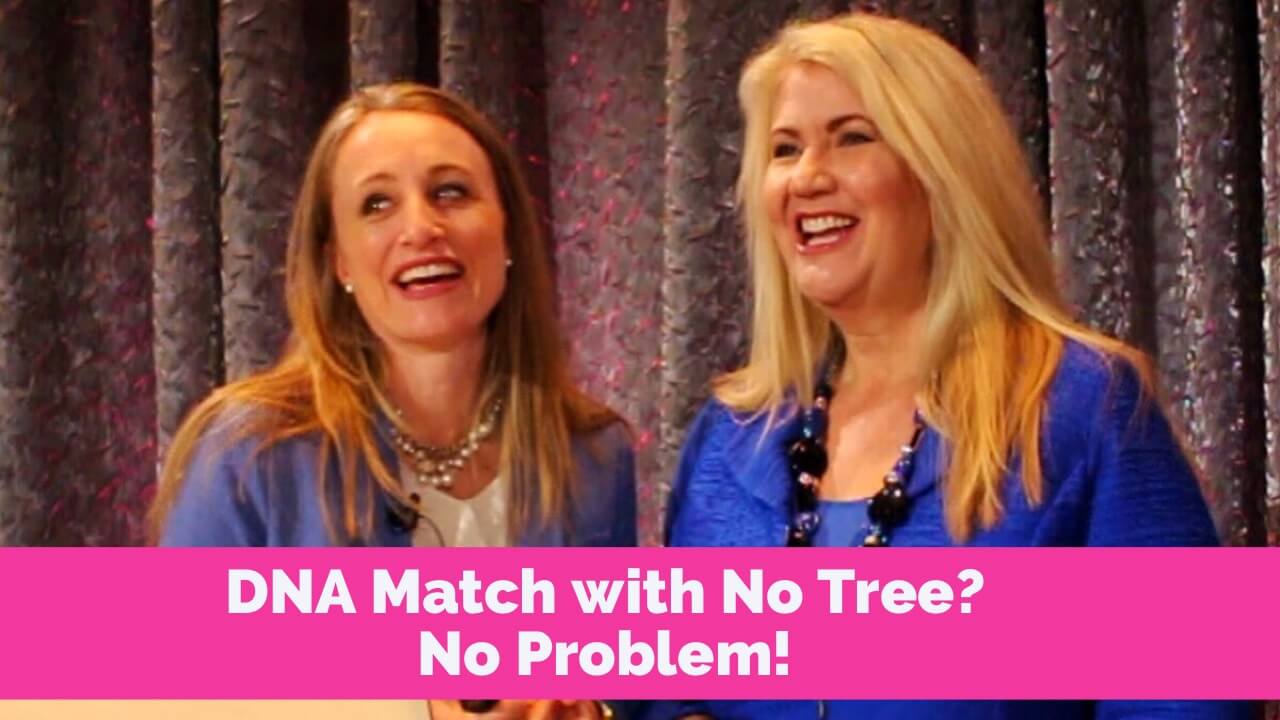
Crista: Yeah, so you know, it’s so funny that you say that, because anytime anybody complains about matches not having trees, I always send them to your RootsTech presentation that you did with Diahan Southard about No Tree, No Problem. Because, because the reality is like, you can figure out a lot from a match even if they don’t have a family tree.
There are probably about half of my matches that do not have any tree at all. And we see that that’s pretty consistent across the board, which means those are most likely people who this is their first foray into family history.
I actually was just on a call this morning with a woman who took the DNA test about four years ago. She had no idea there even was a match list. She didn’t think she could build a tree because she thought she needed a subscription. So, she just took the test to get the ethnicity estimate, and somehow ignored all the emails Ancestry sent her to telling her to check out her new matches or startup a tree. But once she was contacted by a match. One of the best things you can do for those matches who don’t have trees, is send them messages. She got this message from one of her close matches. It piqued her curiosity. She’s like, “how does this person know who I am?” She discovered the match list, and she started a tree. And she’s now had this whole family history journey where she’s figured out who her biological father is. Uncles and half sibling…and so for those of us who have trees and who are involved in family history, recognize those people taking a DNA test. That’s their first step in the door. And it’s up to us, I think, sometimes to nurture them through that door by engaging with them through messaging or sharing information that we might have discovered, in a non-threatening way, hopefully.
Lisa: So they’re testing, and they’re thinking, “Oh, I want to find out my ethnicity is” and not even realizing that there’s this whole matching thing going on. Do you find that a lot of those kinds of folks eventually get bitten by the bug? And I wanted to re-emphasize what you said, that you don’t have to have a subscription to add the tree. Tons of people don’t realize that.
What You Can Do for Free at AncestryDNA
Crista: Yeah, if you’ve taken a DNA test, and that’s the only thing you’ve paid for, you haven’t paid for an Ancestry subscription to access the 80 billion records on the site, then you can still start a family tree. That’s a free service on Ancestry. For anybody who has a free registered guest account, or anybody who used to have a subscription and cancelled it at some point, you can still work on your family tree. And yeah, that’s something that a lot of people don’t realize.
You can also and this is something else people don’t realize, respond to messages from other users. The Message Center is a free service. You can send messages, you can initiate contact with any of your DNA matches without a subscription as well.
Lisa: So you’re really getting to take full advantage of the whole DNA thing, even if you aren’t currently doing the subscription and doing the genealogical records and all of that.
Ancestry Website Interface Updates
I was watching your video recently, I guess it was the June update, and you were talking about how you got to see some of that backend data, and you saw that people weren’t really interacting with the website. I love the new buttons and the ability to add this is a son, this is a nephew, etc. Tell people a little bit about that. And how is that going? Is the rollout done yet? And are you seeing some great response?
Crista: Yeah, so we do continue to make innovations to the match list and how people interact with it. Of course, two years ago at RootsTech we introduced the custom groups with 24 different colors. And it was innovative for those of us who were deep into family history. We had this hypothesis, though, that new users would find that fun and interactive as well. Unfortunately, new users, especially those who’d never considered family history before, didn’t have the mental construct around a pedigree chart or sides of the family, and didn’t even have any idea how to group their matches. And so that had really low usage. The usage it had was among really core hardcore genealogists and people into genetic genealogy.
So, we’ve been doing a lot of testing over the last year trying to figure out how to solve the problem of new users coming to the match list and looking at it and going, “That’s great.” Now what we wanted was to give them something actionable to do. This has been released, and it’s been rolled out to all users, I think, as of last week. Every match has a little button on it that just says, Do you know this person? Yes. And if you don’t, you can click learn more to find out more about that experience. But as soon as you click Yes, it then asks you to assign a side of your family. So, you can say, “Oh, yes, I know this person, they’re on my mother’s side.” And then once you do that, it asks you if you know the specific relationship.
Here’s another little nuance that we’re helping train people into, in both in interaction, but also what family history really means. We give them a list of the possible relationships based on how much DNA they share. One of the things that DNA sometimes uncovers a surprises, and you might think this person is your full sibling that the DNA says otherwise. Or you might think, you know, whatever the relationship might be. So, we give you those options to assign that relationship. And then that fills another customer request, which is when you select the relationship, it updates from a predicted relationship on that match, which is usually a range of cousinship, to what the specific relationship is based on your assignment.
Lisa: I love it. I mean, you guys are in the driver’s seat in terms of knowing and understand the technology. It’s wonderful that you’re helping to guide people to get more out of it, and to get onboard quicker.
How Accurate are Ancestry’s DNA Tests?
I have to ask you this question, because I imagine you have gotten this question a lot and I’d love to know how you answer it. How accurate are the Ancestry DNA test results? I heard somebody asked that at a conference once and I wanted to sit by and listen and see what the person said. What do you tell people when they ask you that?
Crista: You know, it’s such an interesting question, because accuracy can be measured any number of ways. And we need to know what you’re talking about when you say accuracy.
When you ask, “is this person on the top of my match list listed as my parent or child, how accurate is that?” It’s like 100% accurate that that is how much DNA you share with this person. And that that is either the nature of the relationship, or you’ve got a parent with an identical twin. So accuracy, in that case, we’re super confident.
When you ask about accuracy of ethnicity results, we call it an estimate for a reason. One of the things you’ll discover when you click through to view it is that there’s actually a range. That top level percentage you’re seeing is an average of 1000 different times that the algorithm has been run against your DNA and that reference panel. That’s because of just the nature of the way that those results are analyzed. And compared to that reference panel means there’s going to be some swing around an average. And again, we release those updates every year. Because again, as the reference panel growth, there’s more refinement possible.
Lisa: Yes, exactly. Good answer. I like that answer.
The Most Popular DNA Question
What are some of the most common questions that you get about DNA? I imagine there might be some folks watching her going, “yes, yes. Yes, that’s what I was wondering! What do you hear?
Crista: I will tell you what our number one question is. And I bet a lot of your viewers have the same question, and a lot of people at conferences have the same question. We see it on social media all of the time. The most popular DNA question is “where is my Native American?”
Lisa: They still want the princess they’re looking for?
Crista: It’s amazing to me how prevalent and pervasive that narrative is in so many families. They take a DNA test with full confidence that it’s going to tell them that there’s 17 or 12 or 8%, indigenous North American, when the reality is if they do have a Native American ancestor, it is most likely that that person lived three or 400 years ago, and that they just didn’t inherit those bits of DNA. The inheritance of DNA is random, and a lot of new people in family history haven’t really wrap their brains around what that means yet. They think they get half of everything and haven’t done the math to calculate what that means. Or they were told that a parent or grandparent was full Native. I grew up with that narrative in my family, my grandfather boasted of the fact that he was a quarter of a quarter Native American. He was born in Indian Territory, and I think that’s probably partially where that started from. And everybody claims the features. But the reality is, he was not, there is no evidence of that in the family tree once the research has been dug into. But I still have cousins taking DNA tests and fully expecting it to show up and kind of freaking out when it doesn’t.
Native American DNA
Lisa: Is Native America a large reference panel that is well represented?
It was not in the beginning, but we have been collecting additional samples. It used to be, back in 2012 when we started doing DNA testing, if you had Native American DNA, we would just tell you, Native American, and that was all of the Americas: North, Central and South. We now have, I think, nine different regions of native indigenous American, so we can split it out across the two continents. We’re starting to see some communities around some of those as well. So, the reference panel is growing, and the number of testers are growing as well. Here’s what I tell people, and they don’t always like this answer. But if you have Native American DNA, it will show up on an AncestryDNA test.
Lisa: You made such an important point that you could have a Native American ancestor and not have Native American DNA, right?
Crista: Yeah, absolutely. It just depends on how many ancestors have Native American DNA and how far back they were, whether or not you actually inherited those.
How Many Generations Back Can DNA Go?
Lisa: Give people a sense of how many generations back that the DNA becomes minute, in terms of what you might be inheriting from someone.
Crista: I am not a math person, but DNA has changed my world! And it amuses my accountant dad that I can do this now in my head. Everybody inherits exactly 50% of DNA from their parents. Those parents inherited 50% of DNA from each of their parents, but what they pass down to you is going to be about 25% of your grandparents DNA. And then it just gets cut in half every generation back. So, you’re going to have about 12 and a half percent of your great grandparents DNA, and about 6% of your two times great grandparents, and about 3% of your three greats, and about a percent and a half of your four greats! And by the time you get to your fifth great grandparents, it is possible when you consider all the people in that generation, that you did not inherit any DNA from one of them. Because you got all of it from one of the others. So five times great grandparents is the generation where we start to see some of that fall off. But that means that you’re getting it from somewhere, so some of those lines of your family tree will go back to the seventh and eighth, and sometimes even ninth great grandparents.
Which DNA Matches Should I Work On?
Lisa: That makes the case why when it’s focus, focus on best matches right? You were talking about that some people might have 75,000 matches, but we’ve got to start with identifying who the closest were and work on these because they probably have the most potential to give you information, right?
Crista: Not only the most potential to give you information, but also to build a solid foundation, so that you can explore those more distant matches. Because unless you’ve built that solid foundation and validated the relationships all the way back to third or fourth or fifth grade grandparents, the hope of connecting with the eighth or ninth cousin on one of those other lines further back is going to be a lot more difficult and a lot more shaky of a conclusion.
How to Approach a DNA Match
Lisa: You know, when people get a best match, they want to reach out. You were talking about the messaging system is free. It’s part of what you have access to when you test. You’re on the phone, you talk to people, I’ve seen you at the conferences, you know, you’re talking firsthand to your customers and really hearing from them. What kind of coaching do you give people on how to approach somebody, particularly if they get resistance? Is there one more thing they might be able to say just to kind of keep the door open or somehow nudge the match to interact? What do you recommend?
Crista: Okay, so Lisa, I am single, I have never been married. And that might seem like a funny segue into this. But that means I have a whole lot of experiences. And I approach communicating with unknown or unpreviously connected to cousins a little bit like I approach it. You’re not going to spill all of your deepest, darkest secrets on the first date, or you’re going to send them screaming into the night. Or they may just entirely ghost you, right? That’s a new term for people who just ignore you after a date. And that happens. Sometimes people just go on for paragraphs and paragraphs and paragraphs in that initial message they send a cousin. And my guess is those cousins are seeing some of those messages and just being like, “I don’t even know what to do with this information. It’s overwhelming,” right? So, you have to tone it down.
But by the same token, right, I’m not going to go on a first date, and just sit there and not answer his questions or not try to initiate a conversation. And so again, similarly, when you send out that first message, you’re gonna want to provide enough information that’s something they can respond to. I’ve seen people send messages that say something like, “Hi, we’re DNA matches, do you know how we’re related?” and they give them nothing to nothing to work with. You have to give them just enough that they will want to respond and that they have something to respond to, but not so much that you overwhelmed.
Lisa: And maybe something just a little intriguing. I know that when I’ve talked to people who we are sharing ancestors on my family tree, one of the things I’ll say is, “you know, I have some photos. I’d love to talk to you about that. Maybe you do too.”
I remember, in the old days, I would send them all my best pictures, and they would take them and they never respond. You don’t want to give away the kitchen sink, right? That’s what you’re saying. I think that’s a good strategy. And sometimes back then I would get a message from somebody, and they sounded like a scientist, and I felt intimidated, like, “I can’t keep up, I’m gonna say something and I’ll be wrong” and they’ll be able to say, “Oh, my gosh, you don’t know what you’re talking about.” So, there’s also that intimidation factor. I guess even if we do know all that stuff, we don’t want to necessarily wipe people out with it.
Crista: I used to have a thing about intriguing, but intriguing, but not overwhelming. That’s kind of the mic that runs through my head when I craft those messages.
Lisa: I like that. Anything else when it comes to AncestryDNA that we should be keeping our eyes out for? Anything you want to tell us about? What’s coming in the future?
What’s Coming to AncestryDNA in the Future
Crista: There’s a few things. We can kind of divide them into two categories around the ethnicity estimates and the communities. Just to make sure this is clear, we update ethnicities about once a year in the fall. So, watch for that. We usually send out an email or put a banner on the site. But one of the things that we’ve learned is that a lot of people don’t know that. And so, they don’t know to come check and see what’s been updated. So just watch for those announcements or those emails.
Genetic communities can be updated at any time for two reasons.
One reason is, you may all of a sudden just have enough matches, that you’re pulled into an existing network that has been labeled as an existing community. So those communities could just pop up at any time.
The other reason is that about every six or eight weeks or so we’re releasing new communities. Our science team has been working fast and furious to identify new networked clusters and make sure that we’ve got them labeled correctly, and that we’ve worked with history professors and others to understand the cultural and historical implications because we want to be accurate and informative, but also sensitive to all the nuances around race and ethnicity and history. Because history is messy. And as people dive into it, those of us who’ve been doing family history, understand that. But again, a lot of people are new to family history, and DNA is their first foot in the door. And we want to make sure that we’re a little sensitive to how we present some of that information. So always new communities. That’s on the DNA side of the house.
And then we are working on some additional features for the DNA match list. We’ve previewed them with some customer experience groups. We’ve previewed them with influencers like yourself. And so just we can say that those are coming but can’t talk a whole lot about them. We’re listening to our customers and we’re really trying to make sure that that DNA match list experience works for more casual customers just taking their first steps into family history, and those of us who are hardcore into this and trying to break through 40-year brick walls using our DNA results.
How to Contact AncestryDNA
Lisa: Well, and you said, you listen to your customers. What is the best way for somebody to get in touch with you or just share feedback or a question?
Crista: There’s two primary channels for that, though, we listen in a lot of ways.
Ancestry has a Facebook page. If you go to the official Ancestry Facebook page, you can send a direct message to us with your feedback or post it just there on the wall. Our product managers do follow that and keep tracking and put that into our feedback system.
The other way to contact us is to just do a Google search for Ancestry feedback. It’ll bring up a feedback form that’s in our Help Center. It’s a little easier to find it that way.
Lisa: I think I was just talking to my show about sometimes googling for a page is easier. Ancestry’s website is so well organized, it will grab exactly whatever page you’re looking for probably even faster than navigating.
Well, how fun it has been to get a chance to catch up with you on the latest with AncestryDNA. I know we recently followed each other over on Instagram, and over there I see that we share another passion which is gardening. How is your garden going this summer?
I always had aspirations, but with all of the genealogical conferences and the traveling that I do for Ancestry I’ve never been home until this last summer. And so last summer, I tried it. And I failed miserably. I grew one tomato, and a little bit of basil. That was what I did, but I made it again. Yes. This year, I’ve got some zucchini going and some little herb garden and we’re trying tomatoes again. We’ll see how that goes.
Lisa: Good job. Are you planting in the ground? Or are you doing containers?
Crista: Both. So I have a little garden patch in my backyard. But then I also built some standing like garden racks for my herbs and stuff.
Lisa: Very cool. I’ve been in the same boat as you. It’s like after 14 years of constant traveling – which has been great, I’ve missed it – I started all this container gardening. I’m doing the self-wicking tubs. I saw a guy on YouTube doing it, and it looked awesome. We’ll see how it pans out here in the heat of Texas. But anyway, there’s never enough time to do all the wonderful things that we would enjoy doing and certainly genealogy is that way!
Thank you so much Crista Cowan! If somebody wanted to get in touch with you, where should they go check you out?
Crista: The best place is on Instagram and it’s just my Instagram handle which is just my name Crista Cowan.